It edits with you, not for you.
Your agent cuts on your timeline. Everything it makes stays yours to change.
Download for Mac
Apple Silicon, macOS 15 or later
Get a link to open on your Mac.
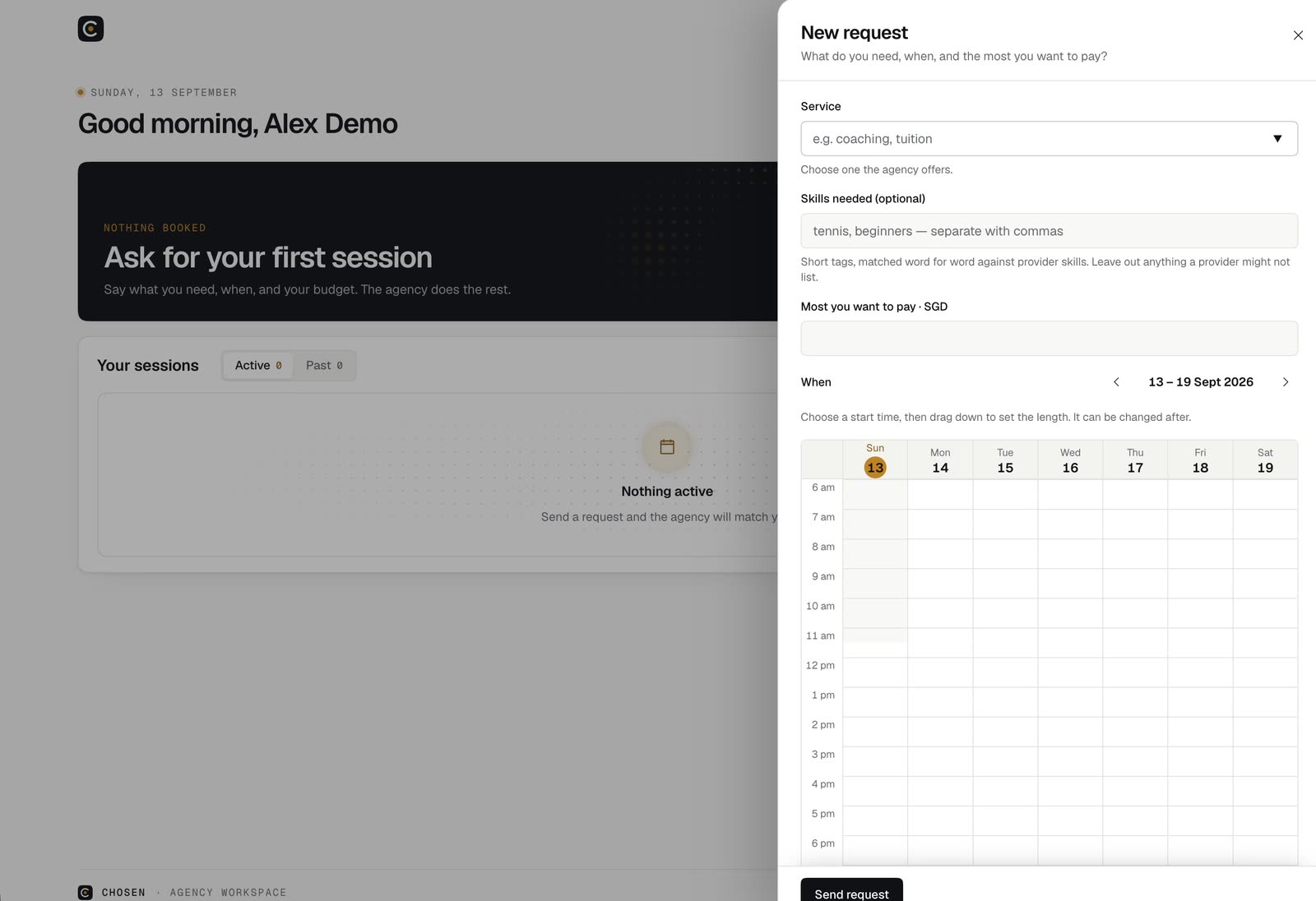
Request a coach
Export

0:00.00
Request a coach23s
Younow
Cut this recording of CHOSEN into a calm film: how a client books a coach.
- Claude Code
- Codex
- Cursor
- Windsurf
- Claude Desktop
- or any other agent you use
Made this way.
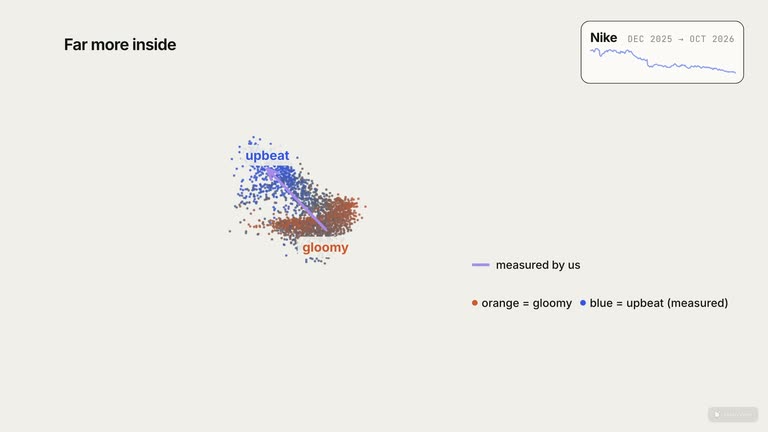

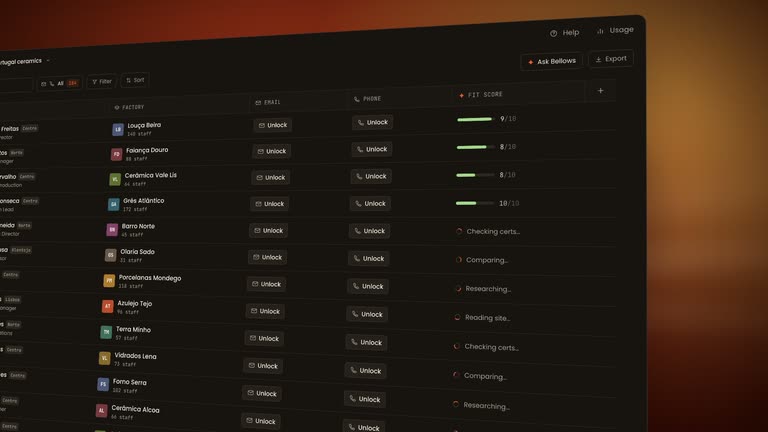
It starts from your words.
Its plan answers your ask, part by part.
It records the app for you.
With a pointer of its own, so yours stays free.

It checks its own cut.
It watches the film before you do, and fixes what it finds.
It asks before it guesses.
Where a choice is yours, it asks in a note on the film.
Every word stays yours.
Click a title in the picture and type your own. The scene plays it.
Undo anything it did.
Each of its edits is one step of your own undo.
Questions about Agents.
Claude Code, Codex, Cursor, Windsurf and Claude Desktop connect in one click from bokeh’s settings. Any other agent that speaks MCP can connect too.
Open and save projects, bring in media, find a moment in your footage, record an app window, add scenes, make the edits, watch its own cut and export it.
Yes, with Cmd+Z, the same as your own edits. Your history keeps up to 100 steps, so you can go back a long way, then carry on by hand.
bokeh’s connection only answers on your Mac. What your agent sends to its own model is up to that agent, under its provider’s terms.